Many organizations have already come a long way with chat-based AI tools. They are used to write, summarize, search for knowledge and help employees in everyday life. But the more specific and process-oriented the tasks become, the clearer it also becomes that chat is not always the best user experience.
It was a central theme in our webinar on AI apps at Promte. The point is simple: Generative AI is powerful, but it doesn't always need to be wrapped in an open chat box. In many workflows, it is better to have a solution where the user is guided through fixed steps, fills in certain fields and gets a more uniform result back.
This is what we mean by an AI app.
When we talk about AI apps, we're not just talking about “more AI”. We are talking about another way of using AI.
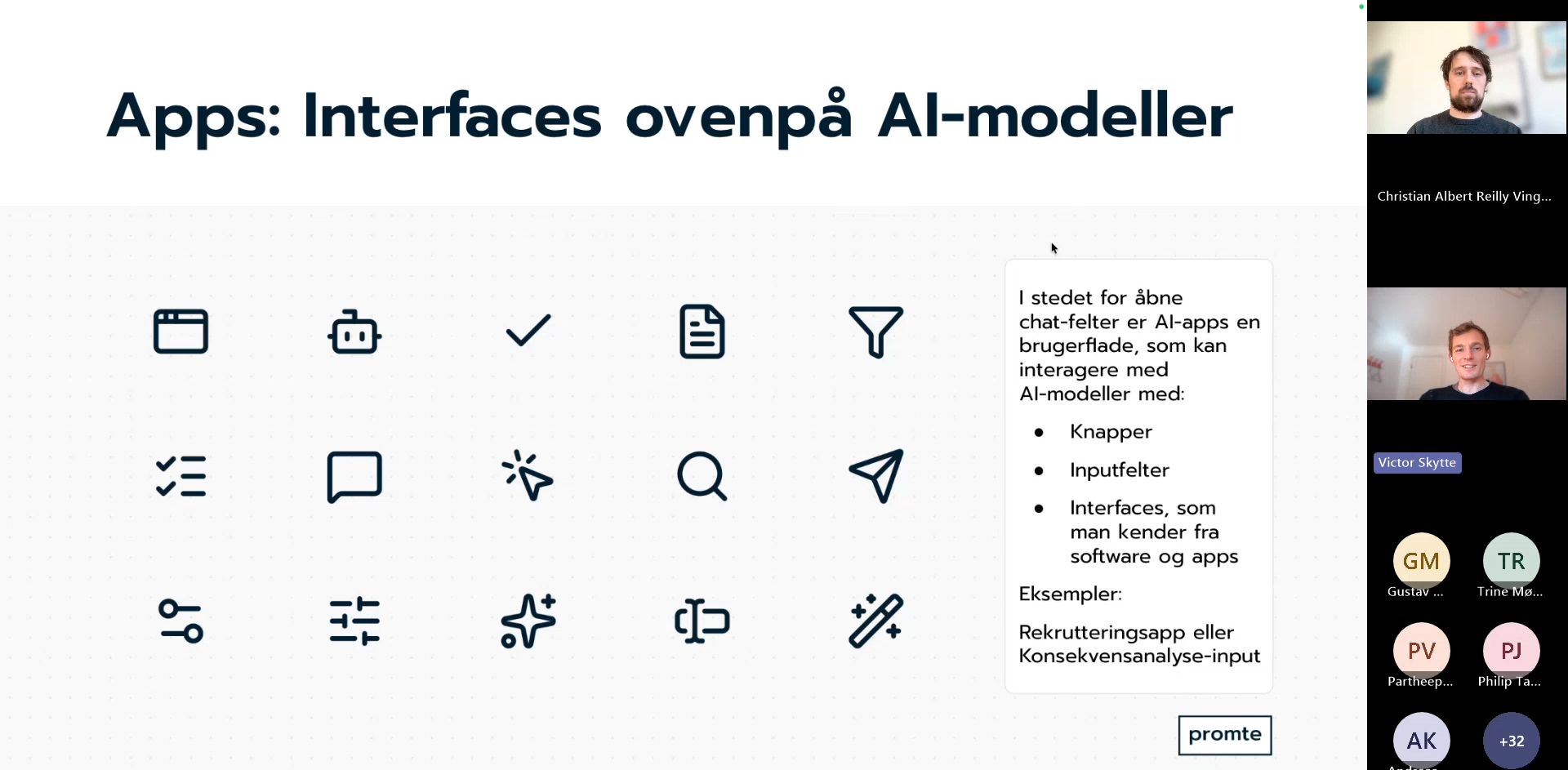
Instead of the employee encountering an empty text field and having to formulate everything himself, he gets a user interface with the elements you already know from ordinary software: input fields, buttons, file upload, selection and step-by-step flow.
It may sound like a small difference. In practice, it is often a big difference.
An open chat field works well when the task is open. This could be, for example, when an employee wants to brainstorm, get help with a wording or ask a question about a large amount of material.
But if the task follows a certain process, chat quickly becomes imprecise. The user must remember what must be disclosed. The AI has to guess the context. And the result can vary more than you want.
Here, an AI app is often a better choice, because it translates a concrete workflow into a concrete user experience.
In the webinar, we showed why chat is not necessarily the best interface in three typical situations.
The first is when the input is defined in advance. If the user has to choose a department, enter a target group, specify a purpose or upload certain documents, it is rarely an advantage to write about it in free language. It is easier and more accurate to use fields and choices.
The second is when the output needs to be standardized. If the result is to look like a letter, a memo, a job advertisement, a report or an assessment, it is often important that the structure and quality are the same from time to time. Here, an app helps manage both input and output.
The third is when the flow must be controlled. Many municipal and administrative processes follow a specific sequence. First, you collect information. They are then assessed. Finally, a draft is generated. That kind of workflow becomes more robust when the solution guides the user through the process instead of leaving the entire process to a conversation.
That doesn't mean chat is wrong. It just means that chat shouldn't be used for everything.
In the webinar, we talked about a concrete example from work with a recruitment solution. The starting point was to help prepare job advertisements.
The first version was conceived as an AI assistant in chat format. Here, the user could write with the solution, which then asked questions back and tried to gather enough information to draft a post.
It actually worked fine. But gradually it became clear that the chat format was not the most obvious. If the user always has to provide the same things anyway, it makes more sense to show them directly in a form: What is the position? Which department is it? Who is the leader? How many hours are we talking about? Which skills are important?
When those questions are made into fixed input fields, the user experience becomes simpler. At the same time, the output becomes more stable because the AI works on a clearer basis.
It is a good example that the biggest improvement is not necessarily in the model, but in the user interface around the model.
Another example from the webinar was an impact analysis app. Here, too, the point was that a controlled flow provides more value than an open chat window.
If an employee has to prepare a first draft of an impact analysis, the task is rarely just to "talk to AI". Rather, the task is to gather relevant documentation, answer certain questions and get a draft in a structure that you can actually work on.
Here it makes sense with an app where the user uploads materials, answers selected questions and then gets a structured result back. The AI is still central to the solution, but it is set in a framework that suits the task.
This is exactly what AI apps can do: They make AI usable in workflows where quality, uniformity and process mean more than free dialogue.
A good rule of thumb is to consider an AI app when one or more of these things are true:
This applies to many tasks in municipalities and larger organisations. Citizen letters, screening, journal-like workflows, summaries, translations, notes and assessments are obvious examples.
Here, chat can still be part of the solution. But the workflow itself often becomes stronger when the AI is used in an app with a clear purpose.
When talking about AI apps, it's tempting to focus on models, prompts, and engineering. But in practice it is just as much about the design of workflows.
The right solution often only emerges when you ask a more down-to-earth question: What does the employee actually have to do here?
If the answer is that the employee must complete a concrete task with known inputs and an expected output, there is a good chance that an AI app is a better solution than a pure chat.
This is also why we see AI apps as a natural next step for many organizations. Not as a replacement for chat, but as a supplement that makes AI more useful in concrete processes.
If you are curious about which tasks are suitable for AI apps, or how an existing assistant can be converted into a more controlled solution, you are always welcome to contact us or read more about AI apps at Promte.